
Open the customer detail page
From Customers, click the customer's row. Tabs such as Overview, Bookings, Packages, Orders, and Notes appear according to your permissions.
For a family member, open their own profile from the primary customer's Family tab or the family-member row in Customers to review that attendee's bookings.
Browse the Bookings tab
Select Bookings, then choose Upcoming, Past, or Cancelled. Each row shows the class session, course session, or service booking, its start and end time, location, and status.
Use Previous and Next when the results span multiple pages.
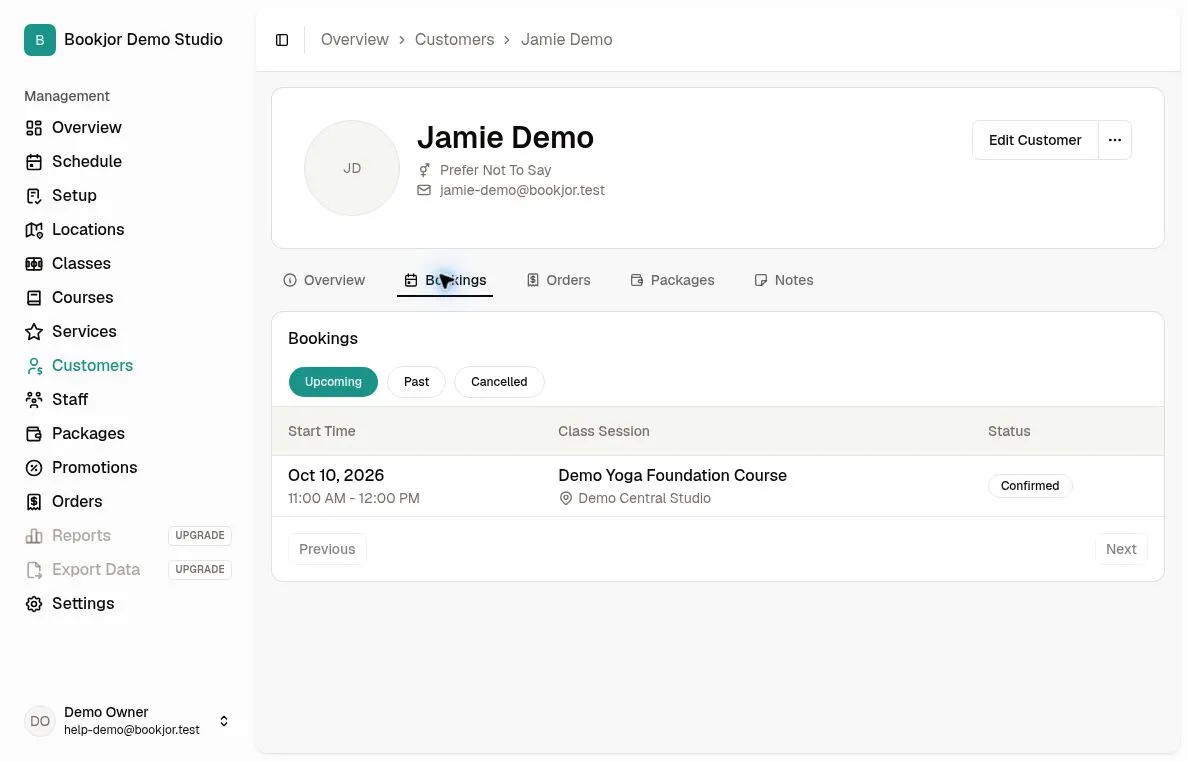
Read the status and open details
Confirmed bookings with recorded attendance show Attended or Absent in the status badge. Otherwise the badge shows the booking status, such as Confirmed, Pending, or Cancelled. These status badges are currently displayed in English.
Click a booking row to open the corresponding class session, course session, or service booking if your role permits access. Update attendance on that event, not in this history table.
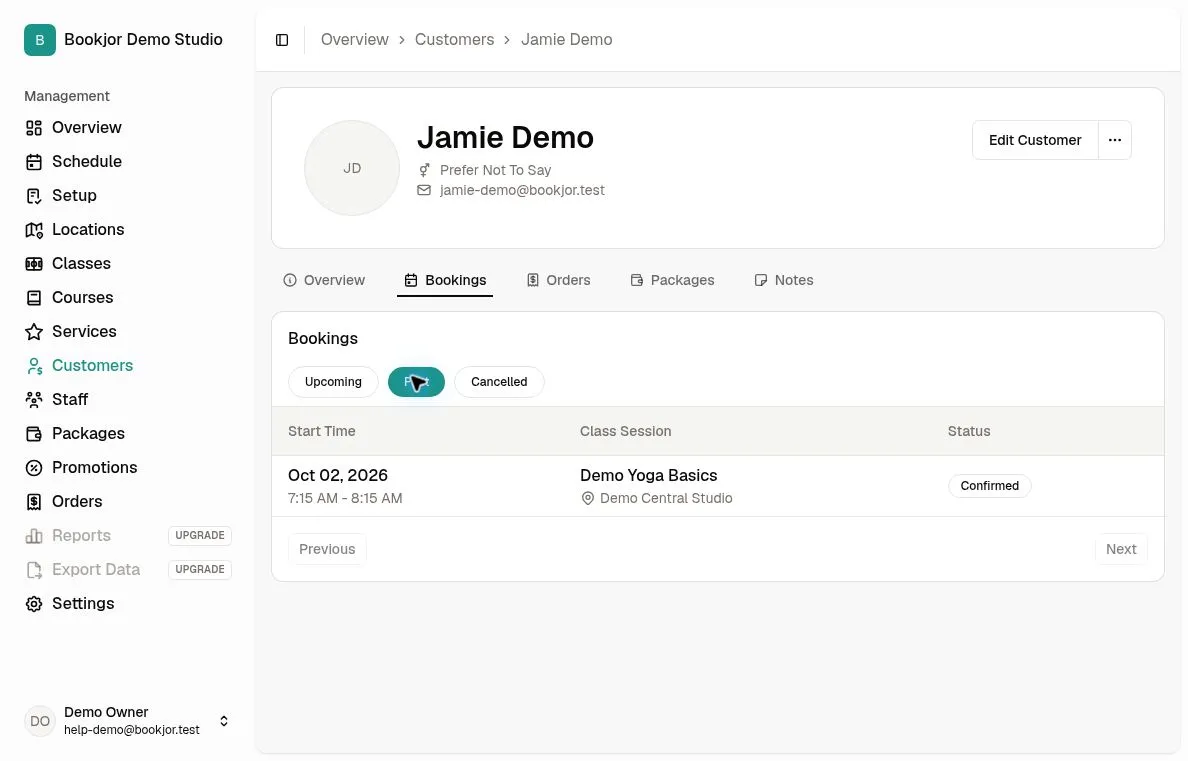
Check packages and orders
The Packages tab shows remaining and initial credit balances, start dates, expiry dates, and package status. Passes show N/A for balance.
The Orders tab lists customer orders. Open an order to inspect its items, payment status, and transactions.