
Find an eligible credit package
Open Customers, select the customer, and choose Packages. With permission to manage customer packages, active Credit packages with a positive remaining balance show Change Expiry.
Passes, expired or consumed credit packages, and packages still pending activation do not offer this action.
Change or clear the expiry date
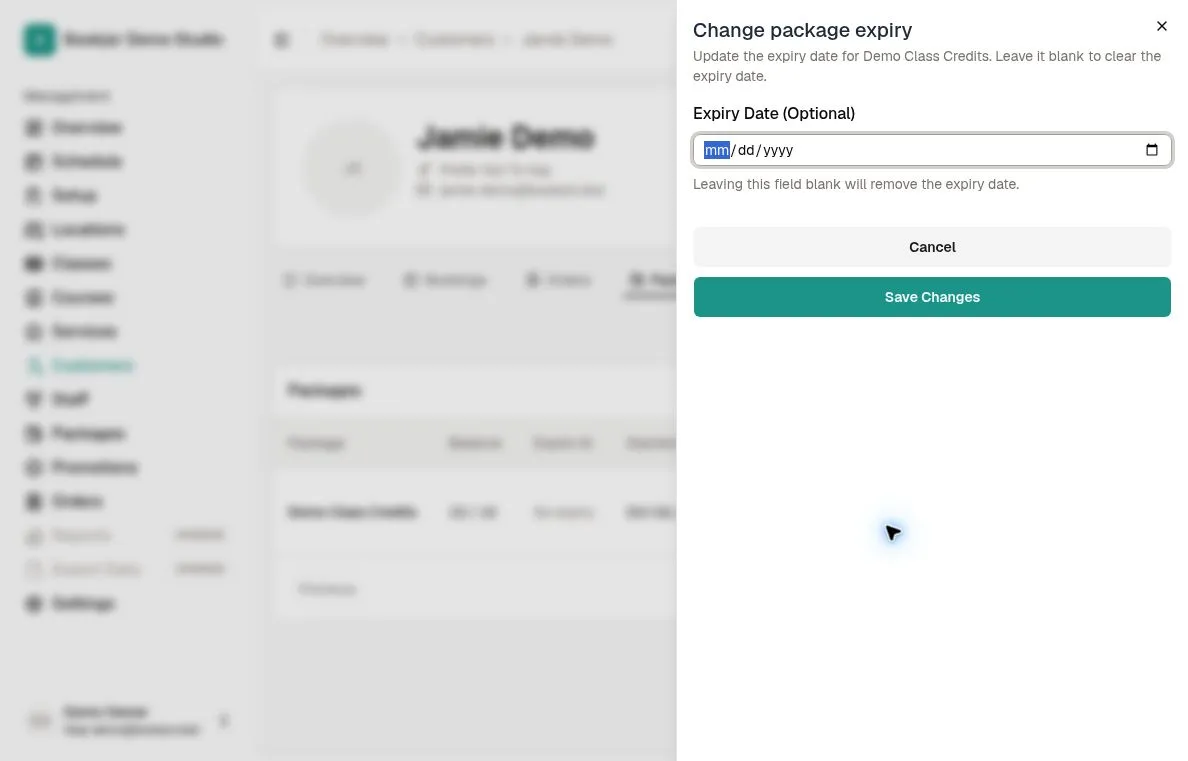
Click Change Expiry. The Change package expiry sheet contains Expiry Date (Optional), prefilled when an expiry exists.
Choose today or a later date in the studio time zone, no earlier than the package start date. The expiry is saved at the end of that day. Leave the field blank to remove the expiry date.
Save and verify
Click Save Changes and wait for confirmation. Recheck the expiry and status in the table.
If validation fails, correct the date. This action cannot reactivate an already-expired or pending-activation package.
Use the separate start-date action if needed
For an eligible active credit package, Change Start Date changes its start date without shifting expiry or the balance.
The new start date cannot be later than the expiry or the earliest related booked event. Pass start dates are not editable here.