Credit packages, unlimited passes, and validity periods
Choose which classes and services each credit type covers
Intro offers, limited-time promotions, and shareable credit packages
Mobile apps
Your team runs the studio. Clients manage their bookings.
Your team can manage daily work in the Bookjor Admin App. Paid plans also include access to the Bookjor Client App for clients. Clients can always use your booking website without downloading an app.
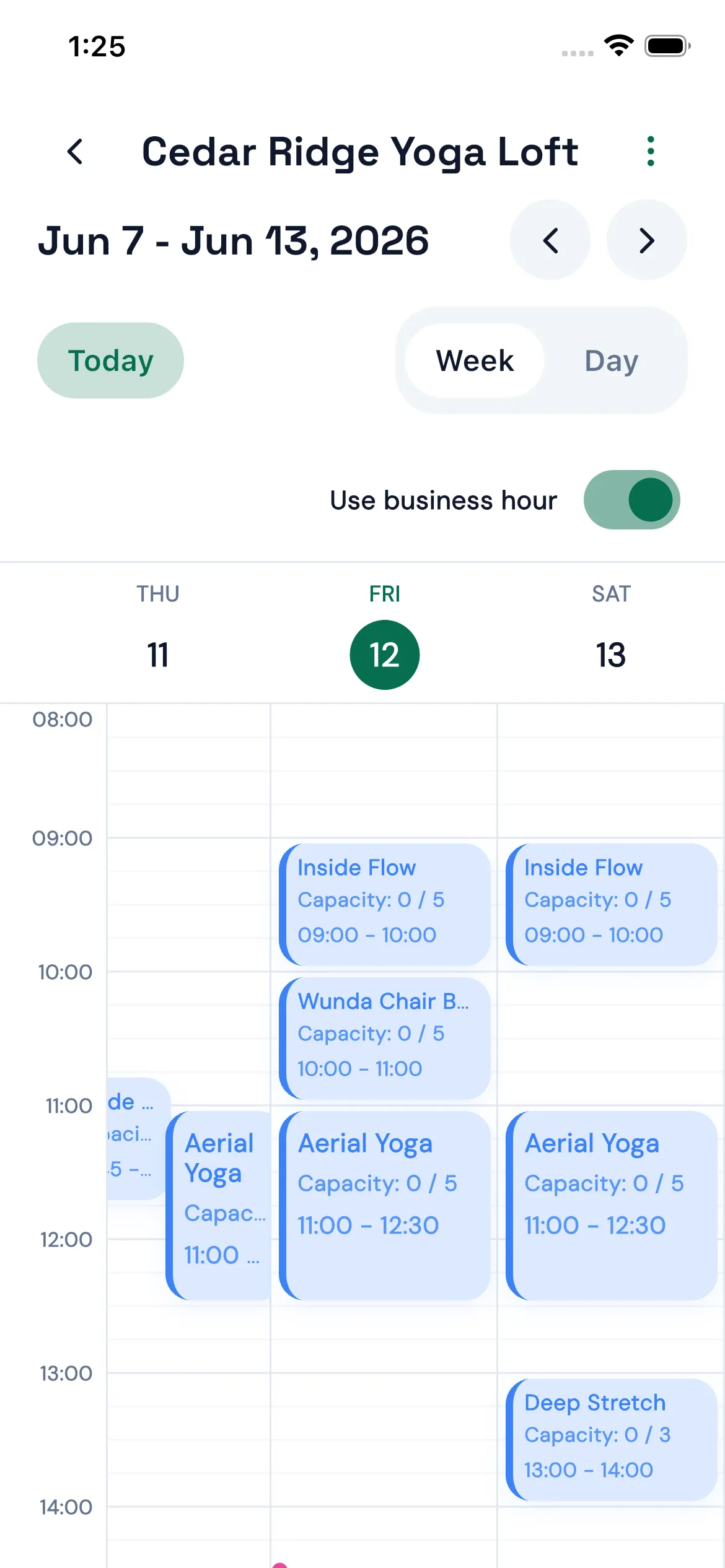
Admin App · Weekly schedule · English interface
Studio team
Bookjor Admin App
Check schedules and bookings on your phone, manage clients, packages, orders, and payments, and follow up on pending bookings and unpaid orders in one place.
Handle payments, waitlists, booking rules, reminders, and client records in the same system.
Online payments
Connect Stripe to accept online credit and debit card payments. Payment status appears alongside the relevant bookings and orders for your team to follow up.
Waitlists
When a class is full, clients can join the waitlist. As places open up, Bookjor sends time-limited invitations in order; clients join the class only after they confirm.
Booking and cancellation rules
Set booking cutoffs and cancellation deadlines in advance, so staff do not have to decide them each time.
Client records
See contact details, bookings, attendance, and package status in one client profile.
Booking reminders and follow-up
Configure booking reminders by email. Staff can also review pending bookings and unpaid orders together.
Free plan
Create a free account and try Bookjor with your studio.
The free plan has no time limit and includes 25 bookings a month. No credit card is required. Free one-to-one help with basic setup is available if you need it.
We use site analytics to understand which pages help studios evaluate Bookjor. You can deny optional tracking, allow your selection, or allow all preferences.
We use site analytics to understand which pages help studios evaluate Bookjor. You can deny optional tracking, allow your selection, or allow all preferences.
Essential
Required for the site to load and remember this choice.
Always on
Analytics
Helps us understand page visits and improve Bookjor content.
Marketing
Used for conversion tracking and remarketing on ad platforms (e.g. Google, Meta).