Open the Dashboard
From your admin dashboard, click Overview in the main sidebar. Find the Alert Radar below Upcoming Sessions.
You need View dashboard, plus access to each queue’s records. Tabs and rows can be hidden or limited to assignments according to your role; an empty or missing tab does not mean there are no issues across the studio.
Read the radar tabs
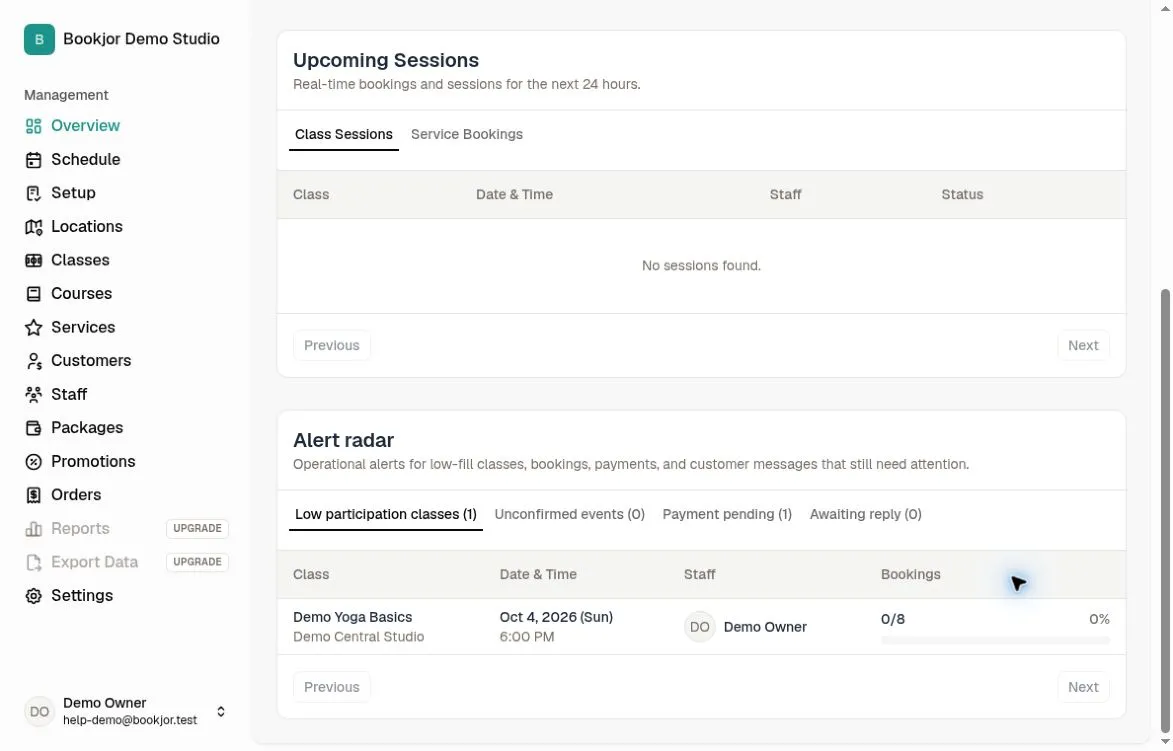
Up to four tabs are available: Low participation classes, Unconfirmed events, Payment pending, and Awaiting reply.
Low participation classes lists upcoming classes within 72 hours that are below 40% full. Unconfirmed events lists pending customer bookings for classes, courses, or services that you may view; the queue is capped at 50 items.
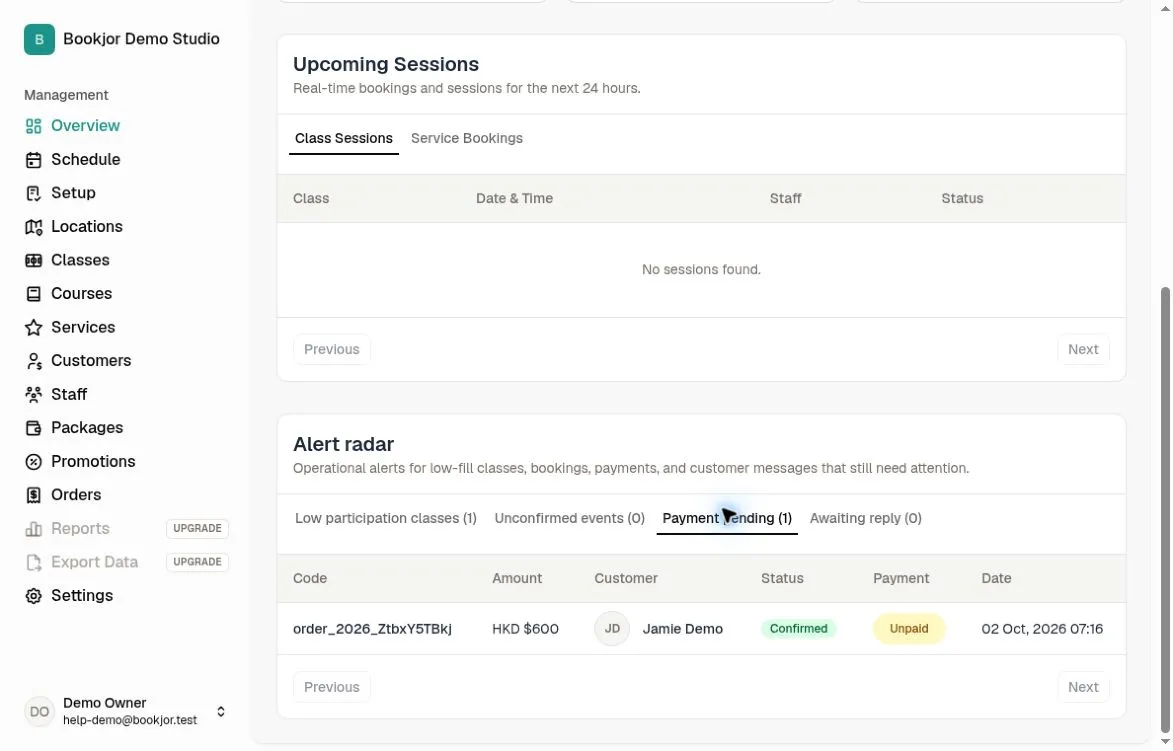
Payment pending requires View orders and shows up to 50 non-cancelled orders whose payment is unpaid, awaiting confirmation, or failed. Awaiting reply requires Manage orders and lists customer order-message threads still waiting for a staff reply.
Click a row to open the relevant session, service booking, or order. In Awaiting reply, review the latest message and reply in the order conversation. Use pagination where available to review further rows.
Refresh the data
Refresh the page after resolving an issue to see the latest radar data; the dashboard is not a complete history of all bookings and orders.
Alerts are not manually dismissed. Resolve the underlying booking, payment, or conversation; entries also stop appearing when they no longer meet the queue’s criteria.