
Open the class overview
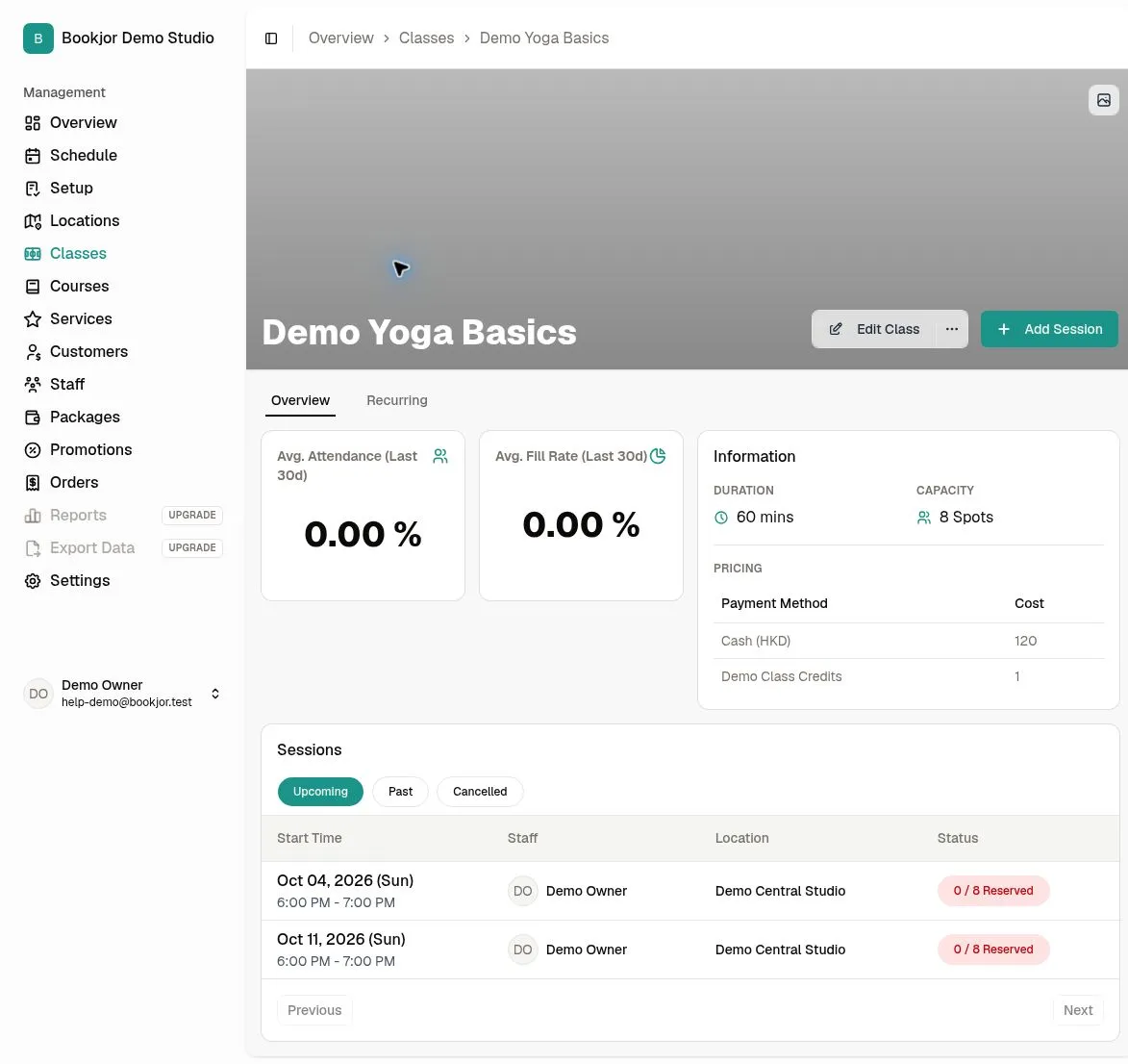
Open Classes, select the class, and use the Overview tab. With permission to view reports, you will see Avg. Fill Rate (Last 30d) alongside the attendance card.
Understand the calculation
The period is today plus the preceding 29 days in the studio’s timezone. It includes non-canceled sessions whose start time falls in that period.
Fill rate is total reserved places divided by total capacity across those sessions. It is capacity-weighted, not a simple average of each session’s percentage. If total capacity is zero, the result is 0%.
Reserved places are not the same as attended places. Read the attendance card separately; changing capacity can change fill rate without changing the number of bookings.
Use the number with session details
Review the underlying session schedule and reservations before changing times or capacity. Compare busy and quiet slots and account for cancellations, holidays, and promotions.
The class card has a fixed last-30-day window. It does not provide an all-time fill rate or a custom date-range control.