
Find payments awaiting review
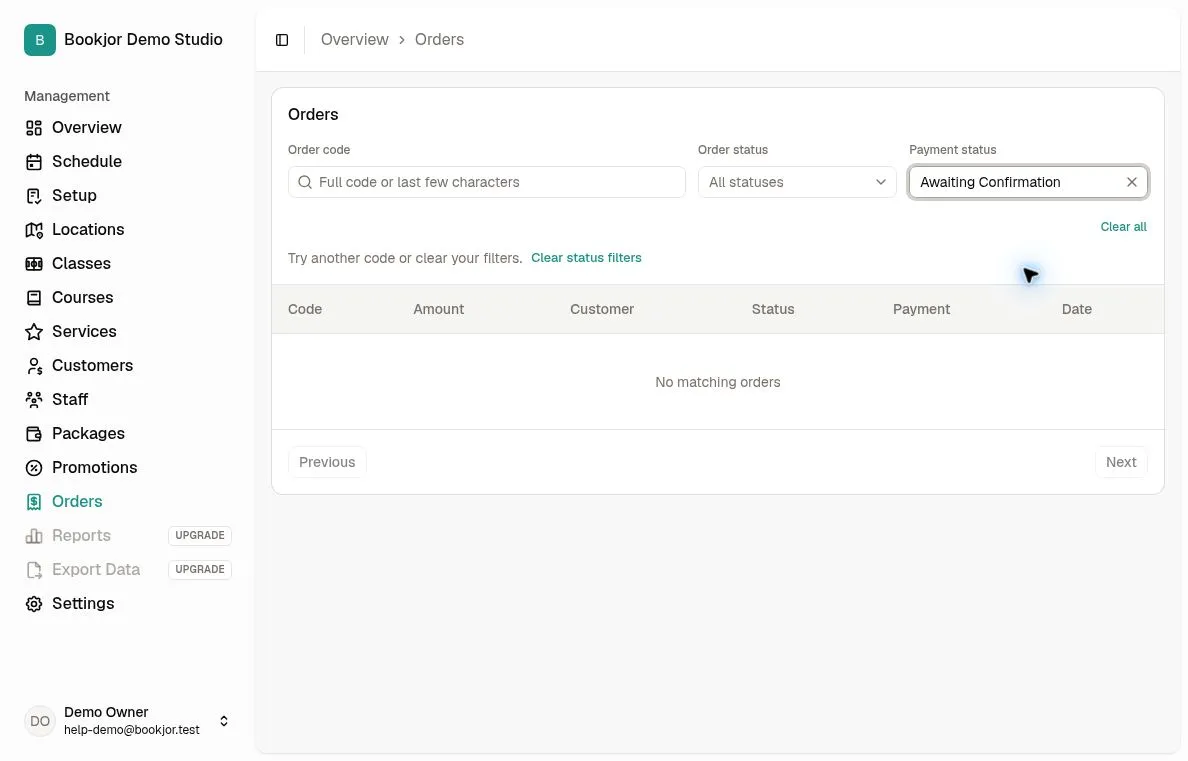
Open Orders and set Payment status to Awaiting Confirmation. This filter can include other manual payment methods, so open the order and check that the transaction uses Bank transfer.
You need permission to manage orders to review proof or accept and reject payments. Check your bank records against the amount and reference; uploaded proof alone does not establish that the funds arrived.
Accept a verified transfer
In the order detail, find the Awaiting Confirmation transaction under Order Transactions. Use View Proof if a receipt is attached, then click Accept only after checking receipt of the funds.
The transaction becomes Succeeded. If the order payment status was Awaiting Confirmation, it becomes Paid. Pending class, course, and package orders are confirmed through payment settlement; service bookings follow the studio’s automatic-confirmation setting and may still need Confirm Order.
Check both order status and payment status after accepting. Accepting a payment does not reactivate an already canceled order.
Reject a payment that cannot be verified
Find the Awaiting Confirmation transaction and click Reject. The transaction becomes Failed; an order payment status of Awaiting Confirmation also changes to Failed.
A pending Course order is canceled and its enrollment reservation is released. Other order types are not automatically canceled by this action and may remain Pending. Review the order separately before deciding whether to cancel it.