Open the service detail page
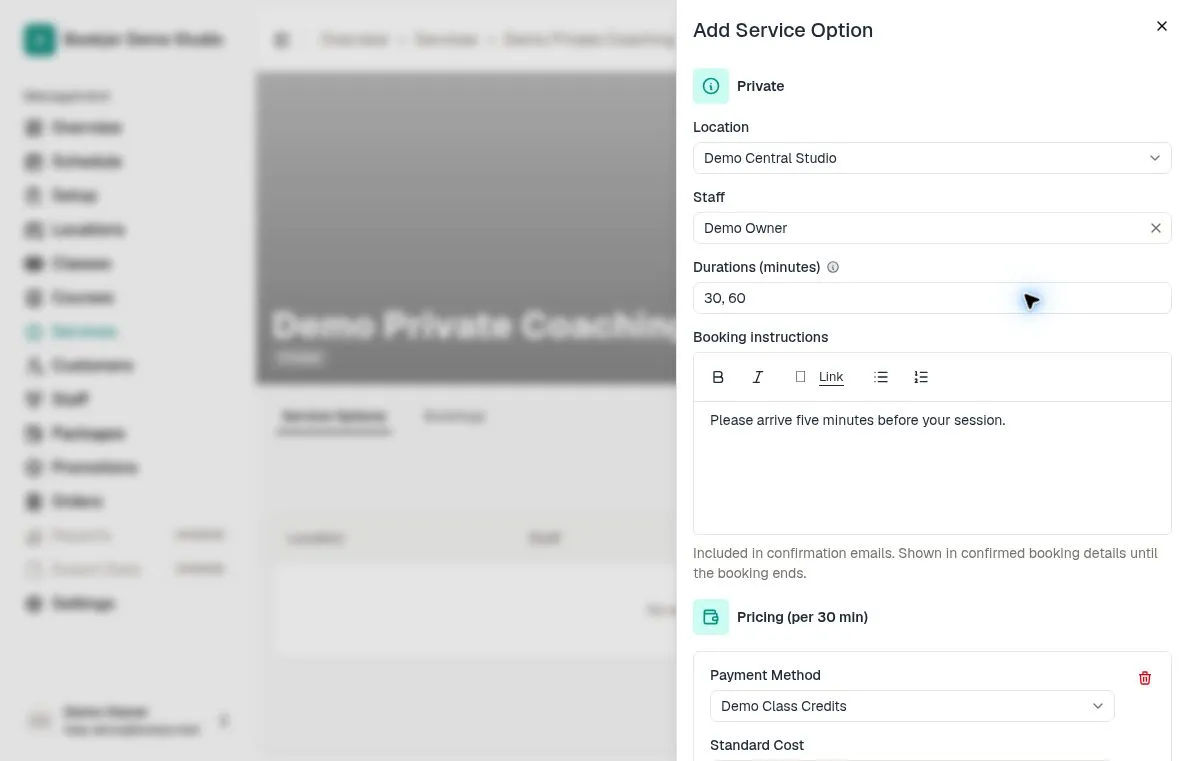
Navigate to the Services page and click the private service you want to add providers to.
Switch to the Service Options tab. If no service options are assigned yet, you will see an empty state with an Add Service Option button.
You need the Manage services permission to add or edit service options.
Assign a staff member
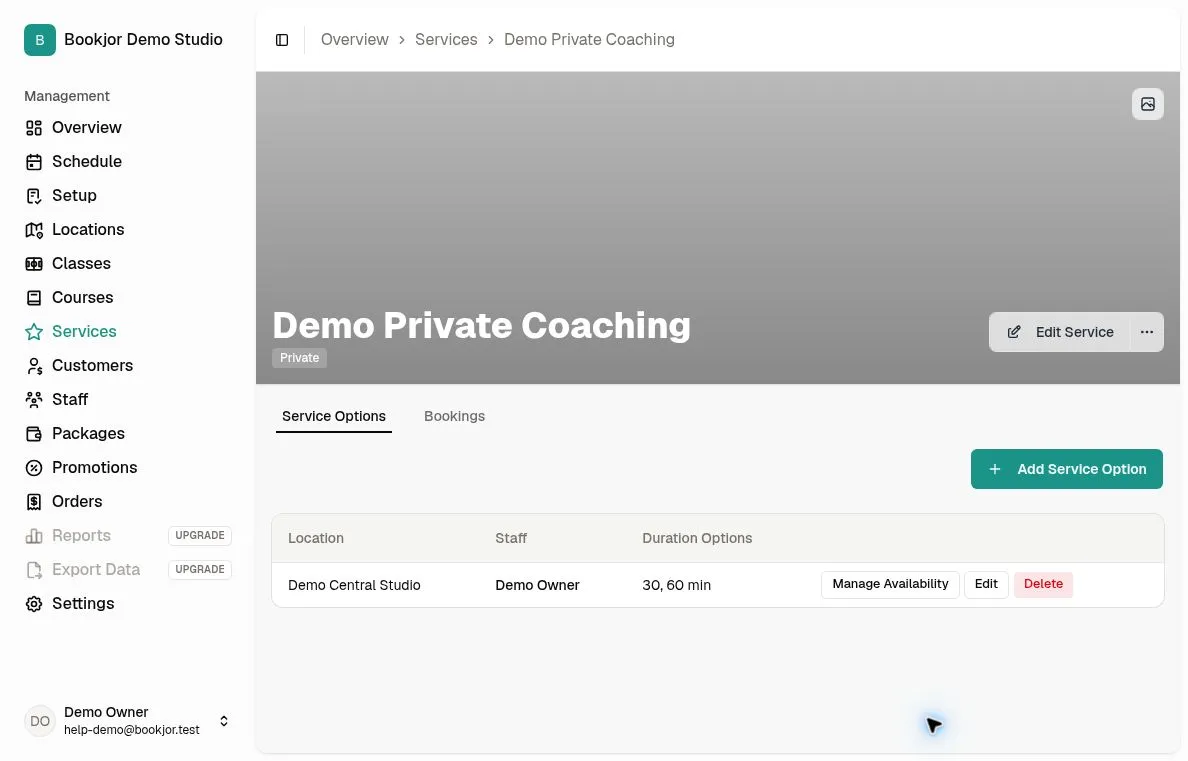
Click Add Service Option. Choose a location and the staff member offering this private service. Only existing studio staff are available; create the staff profile first if needed.
Enter positive whole-minute durations separated by commas, such as 30,60,90. Add any booking instructions customers need for this option.
Add at least one payment option. Cash and credit-package prices are quoted per shortest duration, so a 60-minute booking costs twice the displayed price when the shortest option is 30 minutes. Pass packages do not use a numeric credit price. You can enter an optional peak-hour price for cash or credits.
Set provider availability
Click Manage Availability to define the days and times this provider is open for bookings. Use the weekly availability grid to add time slots for each day.
Edit an existing option
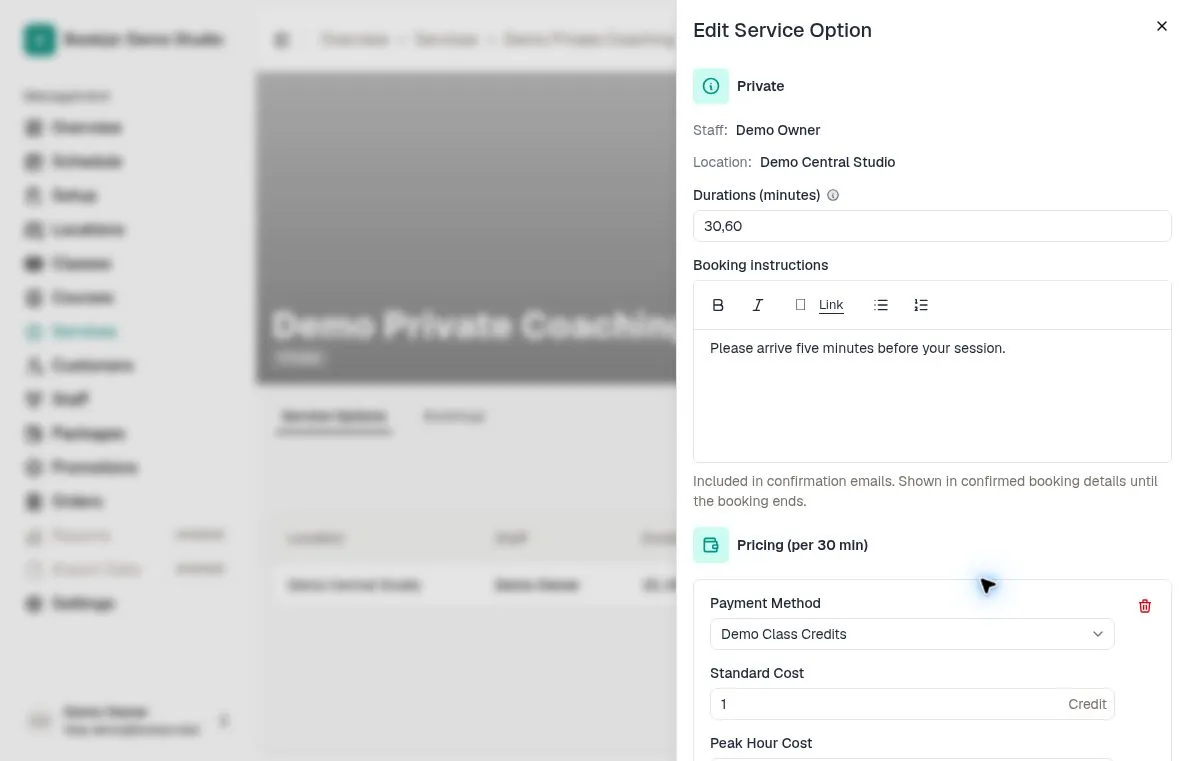
Use the option’s Edit action to change durations, booking instructions, and pricing. Its staff member and location are shown for reference and cannot be changed in this form; create a new option for a different staff/location combination.