
Open the customer profile
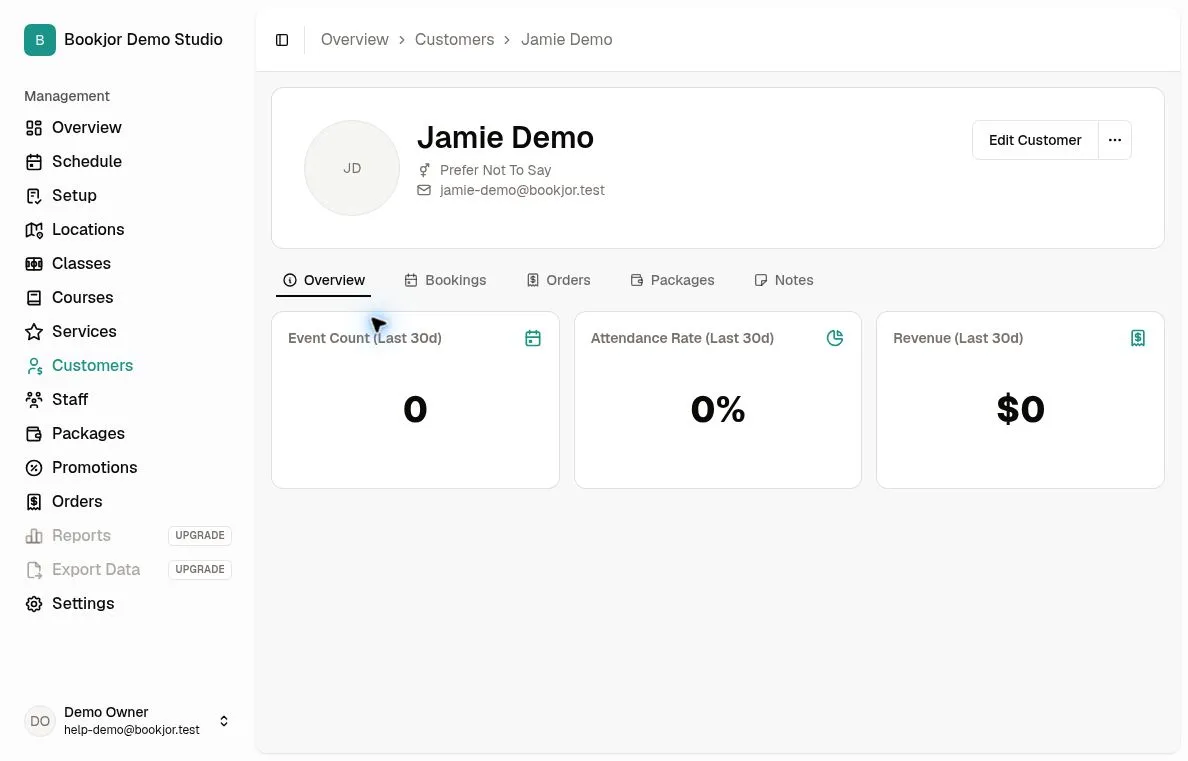
From Customers, open the customer's record. The avatar is at the top of the profile card; initials appear when no photo is available.
Uploading requires permission to manage customers.
Upload a photo
Click the avatar and choose an image no larger than 5 MB. Supported formats include PNG, JPEG, WebP, and GIF.
The file uploads as soon as you choose it. Wait for the upload-success message and check the updated avatar; there is no separate Save button or crop editor.
Replace the photo
Click the avatar again to upload a replacement. The current admin profile has no remove-photo action.
If the upload fails, check the file format and size, then try again. Wait for the success message before leaving the page.