
Open the staff overview
Click Staff in the sidebar, open a staff member, and select Overview. You need access to that staff profile and permission to view reports for the statistics to appear.
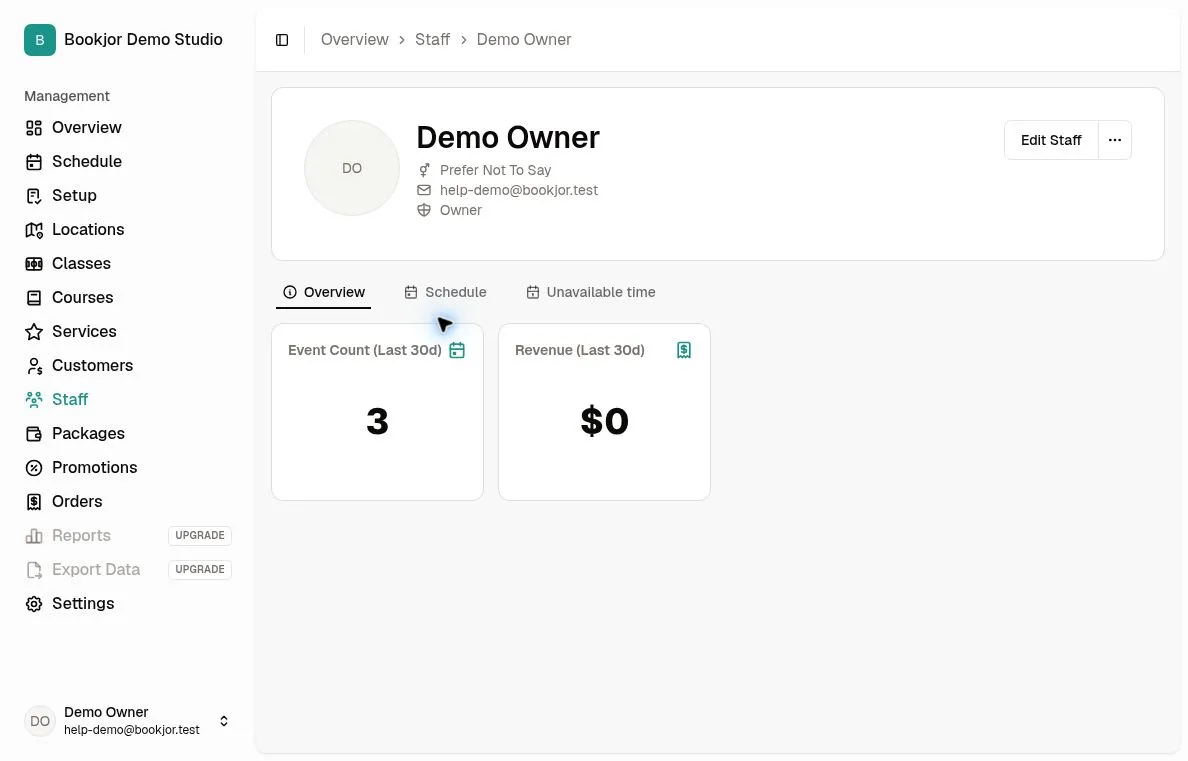
Read the two cards
Event Count (Last 30d) counts confirmed customer booking records created in the last 30 days and linked to sessions or service bookings assigned to this staff member. It does not count unique sessions taught; several customers in one session produce several records.
Revenue (Last 30d) is net recognized revenue from successful charges less refunds in that period for the staff member’s eligible class and service booking items. Course revenue is excluded by the staff filter.
Compare like-for-like
The period covers today and the preceding 29 days in the studio’s timezone, not all time. Booking count uses the booking record’s creation time, while revenue uses the transaction date.
For a custom period, use Reports and select Staff. Note that the Revenue report’s By staff table splits revenue equally across assigned staff, while an individual staff overview includes the matching booking items’ full revenue.